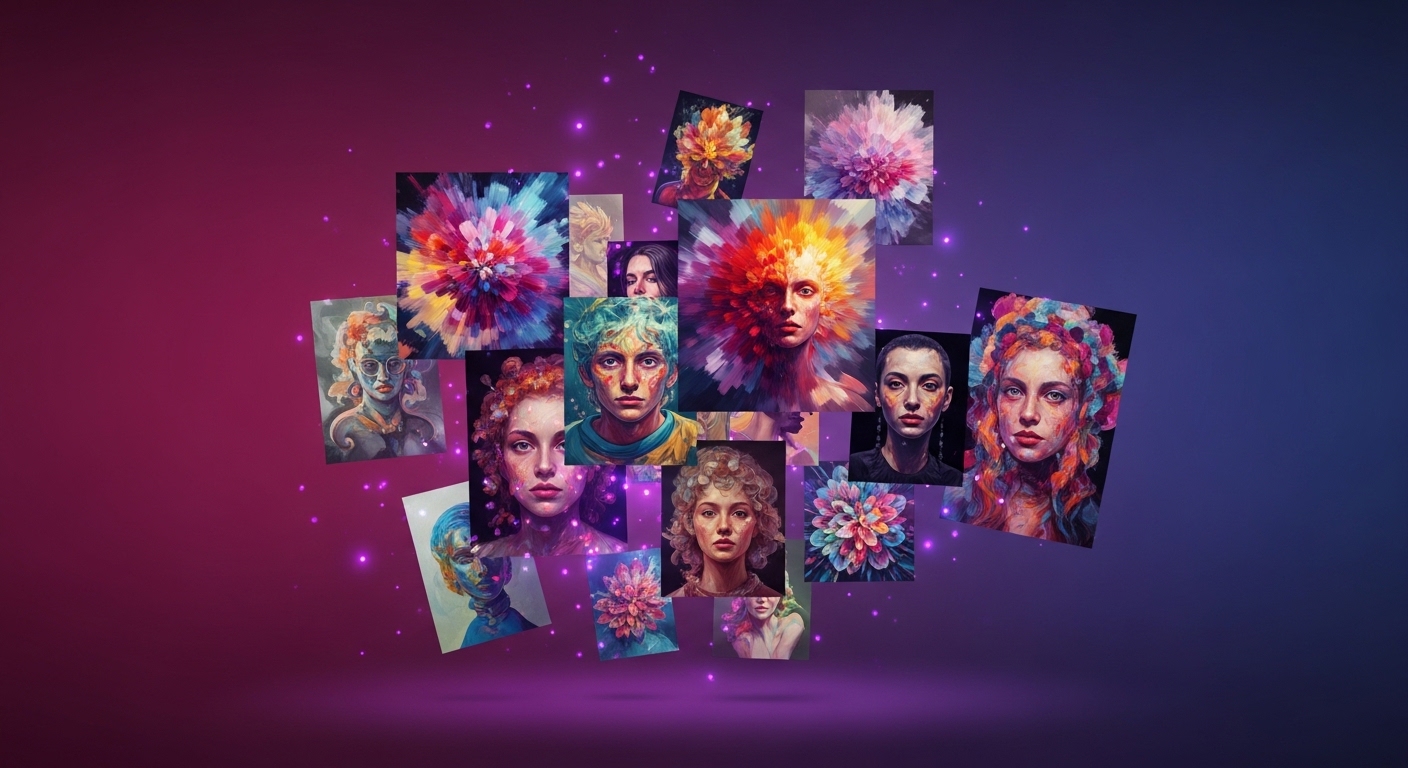
Midjourney v7 is the biggest leap the tool has made so far. It's no longer just a model that "makes nice images." With character consistency, brand-aesthetic calibration, and a real workflow, it has turned into an actual production tool. In this guide we walk through what v7 brings, the professional prompt formulas, the pricing, and how we used it on an ad campaign at PAM Istanbul.
Three big releases in v7
1. Draft Mode — Images now render at 1/10 cost and 5x speed. Critical for fast moodboards and concept iteration. "draft mode" toggle is now standard in the v7 prompt UI.
2. Omni Reference — Hold character, object or style consistency across different scenes. Gold for ad series, lookbook shoots, and social campaign sequences. Multiple references stack (person + object + style).
3. Personalization v2 — Trains the model on 200+ images you rate to calibrate to your personal/brand aesthetic. Once set, your personal model runs behind every prompt.
Web interface v2 — goodbye Discord
Midjourney ended its Discord dependency in 2025-26. The new web interface lives at midjourney.com/imagine: prompt history, folder structure, team collaboration, comment mode — all built in. Discord still works but most new features are web-only.
Pro prompt formulas
Ad creative: [product] photographed by [photographer name], [setting], [lighting], [mood], 50mm f/1.4, hyperdetailed, --ar 16:9 --style raw --v 7 --p [your-personal-code]
Fashion editorial: fashion editorial of [model description] wearing [outfit], shot for [magazine name], [location], [light], 85mm portrait lens, film grain, --ar 4:5 --style raw --v 7
Architectural render: architectural visualization of [building type], [environment], [time of day], [atmosphere], cinema4d + corona renderer style, hyperrealistic materials, --ar 16:9 --v 7 --q 2
Character consistency with Omni Reference
When you need the same model across scenes in a campaign:
- 1. Upload a clean reference photo of the model
- 2. Append
--oref [URL] --ow 100(Omni Weight: 0-1000) - 3. Write the scene; the model stays consistent
- 4. Add
--sref [style_url] --sw 200for style reference
Pricing 2026 (current)
- Basic ($10/mo): ~200 fast images, limited upscale
- Standard ($30/mo): 15h fast GPU, unlimited relax mode
- Pro ($60/mo): 30h fast, stealth mode (private gallery)
- Mega ($120/mo): 60h fast, highest priority
Annual plans get 20% discount. Draft Mode stretches fast hours 5x.
Professional workflow — an ad campaign
Stage 1 — brief to moodboard: 50-100 images in Draft mode to set the direction (~15 min).
Stage 2 — concept polish: 10 alternative directions at standard speed (~30 min).
Stage 3 — character lock: lock the final direction with Omni Reference and generate 5-7 scenes (~45 min).
Stage 4 — upscale and post: 4K upscale on the picks, then a Photoshop/Lightroom finish (~1 hour).
What not to do in v7
1. Style soup: Don't pile 5 artists/styles on one prompt. v7 produces chaos rather than fusion.
2. Parameter overload: --chaos 100 --weird 3000 --s 1000 destroys control. Tune one knob at a time.
3. Single seed dependency: Locking too tight hides variation. Let seeds vary, pick the best 3.
Midjourney v7 vs the others
vs Flux Pro: Flux wins on photoreal humans and text accuracy. Midjourney v7 leads on aesthetic consistency and mood.
vs DALL-E 3: DALL-E is practical inside ChatGPT. Midjourney v7 is the one for creative quality.
vs ImageFX (Imagen 4): ImageFX is free and fast. Midjourney v7 is mature for commercial pipelines.
Practical tips for non-native English users
Midjourney prompts give the best results written in English, which is a small but real detail if English isn't your first language. Describing the prompt in your own language to ChatGPT or Claude first and having it translated does two things: it widens the vocabulary and it picks up the technical terms the model understands better, like lens, light, and composition.
Second tip: be specific for cultural accuracy. Instead of "young woman," give context like "young Turkish woman, Istanbul street, natural light," and the output fits the local market far better. Third: the --style raw parameter turns off Midjourney's automatic "beautify" tendency and produces more realistic, commercial-ready results — reach for it on product and corporate images especially.
How we use Midjourney v7 at PAM Istanbul
We use v7 in two main flows: (1) Pre-production moodboards — three different directions to the brand within 24 hours of brief, (2) Ad series consistency — Omni Reference to show the same character across 8-10 social scenes. Always alongside live shoot, never instead.
For an AI-supported campaign production, reach the studio here.
Email: [email protected]
Phone / WhatsApp: +90 530 267 49 29
Studio: Yayıncılar Sok. 10/3, Seyrantepe · Istanbul