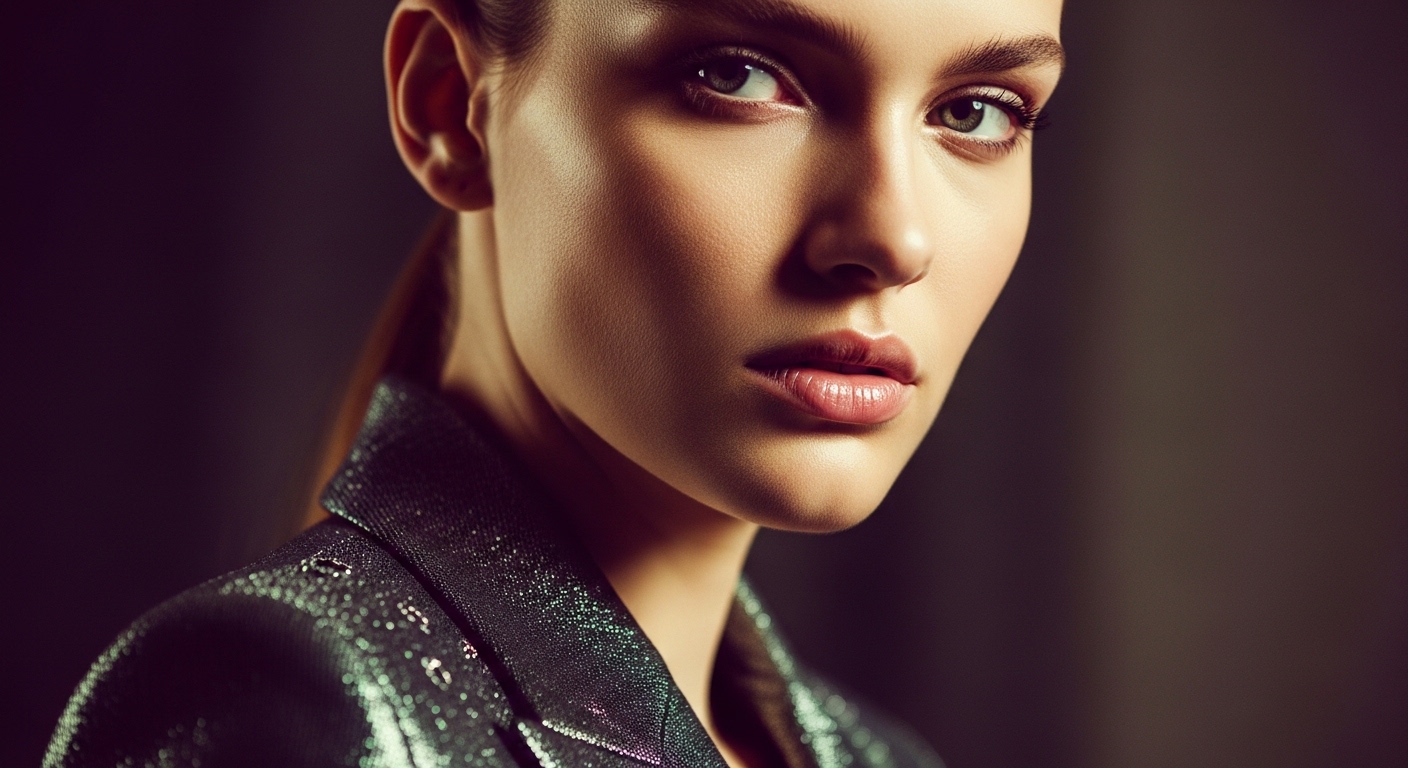
If you spent any time on social feeds in late 2025, you saw Nano Banana whether you knew the name or not. It's the model behind a wave of "edit my photo" trends, turning selfies into different outfits, dropping people into new scenes, restyling product shots. The striking part was how little the rest of the image changed. This guide is written the way we'd explain it to a brand team: what it is, why it caught on, and how to use it without overpromising what it can do.
What Nano Banana actually is
Nano Banana is a nickname for Google Gemini's image generation and editing model. It shipped as part of the Gemini family and is commonly associated with the "Gemini 2.5 Flash Image" name. The playful codename spread faster than the official one, and it stuck. Functionally, it's the image side of Gemini: it can create images from a text prompt, but its reputation was built on editing images you already have.
That framing matters. A lot of AI image tools are text-to-image art generators: you describe a scene and they invent it from scratch. Nano Banana leans the other way. Its headline trick is taking an existing photo and changing one thing about it on request, while leaving everything else recognisable.
Why it went viral
Three qualities, working together, are what people reacted to.
Consistent characters. The most-shared demos kept the same person across every edit. Change the outfit, the background, the era, and it still looked like the same face rather than a new person each time. Character consistency is exactly where earlier tools tended to fall apart, so this felt like a real jump.
Editing with plain language. You don't need masks, layers or selection tools. You type something like "put this jacket on her" or "change the background to a beach at sunset," and it does the targeted edit. Lowering the skill floor that far is a big part of why it spread beyond designers to everyone.
It tends to preserve light and angle. When it swaps a background or an object, it usually keeps the lighting direction and camera perspective plausible, so edits sit in the photo instead of looking pasted on. That "it just blends" quality is what made the results worth screenshotting.
How to use it
The easiest way in is the Gemini app (mobile) or Gemini on the web. You start a chat, upload or generate an image, and describe the edit in ordinary language, the same way you'd ask a person. It's conversational, so you can iterate: make a change, look at the result, then refine with a follow-up instruction rather than rewriting a giant prompt.
A few practical habits help. Be specific about the one thing you want changed, and say what should stay the same. Work in small steps instead of asking for five edits at once. Keep your source image clean and well-lit; the better the input, the more convincingly the edit blends. For scaled or automated use, Google also exposes the image model through its developer API, which is where a production pipeline would plug in.
What it means for brands
For a brand or agency, the interesting part isn't novelty selfies. It's the repetitive visual work that normally eats a shoot day.
Product variations. One clean product photo can become many: different backgrounds, colours or contexts, without re-shooting each one. Useful for catalogue coverage and A/B testing creative.
Scene changes. Move the same subject from a studio backdrop into a lifestyle setting, or swap seasons and locations, while the product itself stays consistent and on-brand.
Model and character consistency. Because it holds a subject steady across edits, you can build a set of images that clearly feature the same "person" or mascot. That helps with campaigns that need a recognisable face across many frames.
The honest caveat: a quick edit is not a finished campaign asset. Small artefacts, brand-critical product accuracy and legal or likeness questions still need a human eye. It's a strong drafting and iteration tool, and for hero assets you'll still want a proper review pass.
Strengths and weaknesses
Strengths: targeted photo editing from plain language, strong subject and character consistency, edits that usually respect lighting and perspective, and a very low barrier to entry through the Gemini app. It's fast, forgiving, and conversational.
Weaknesses: like any AI image tool, it can introduce small errors. Hands, fine text, intricate logos and exact product detail are the usual weak spots. Precise brand colour and product fidelity aren't guaranteed, so anything going to print or paid media needs checking. It's an editor first; if your goal is a wholly invented, highly art-directed scene, a dedicated generator may suit that better.
Nano Banana vs Midjourney and DALL·E
They overlap but aim at different jobs. Midjourney is prized for its aesthetic, art-directed look. It's the go-to when you want a striking generated image and are happy to guide it with careful prompting. DALL·E (inside ChatGPT) is a strong general-purpose generator and editor that's convenient if you already live in that ecosystem. Nano Banana's edge is edit-in-place consistency: keeping the same subject and blending changes into a real photo. As a rough rule of thumb, reach for Midjourney when you want a beautiful image invented from nothing, and reach for Nano Banana when you have a real photo and want to change part of it while keeping the rest intact.
PAM AI Studio: put it to work properly
Some tasks belong to a plain-language editor like Nano Banana. Some need a dedicated generator. And some still need a real camera on a real set. Knowing which is which is the whole game, and it's what we do every week. We've folded these tools into our production and post pipeline as they've matured.
In a 30-minute discovery call, we'll map where AI image tools create real leverage for your brand or agency, and where they don't. No hype, no black box.
Let's build it together.
We've been producing commercial film and photography since 2018, and for the last three years we've been integrating AI into our workflow. We mentor your team as we produce: transparent process, documented decisions, no black box. We set up your brand's AI production together, built for sustainable growth.
Email: [email protected]
Phone: +90 530 267 49 29
Studio: Yayıncılar Sok. 10/3, Seyrantepe · Istanbul