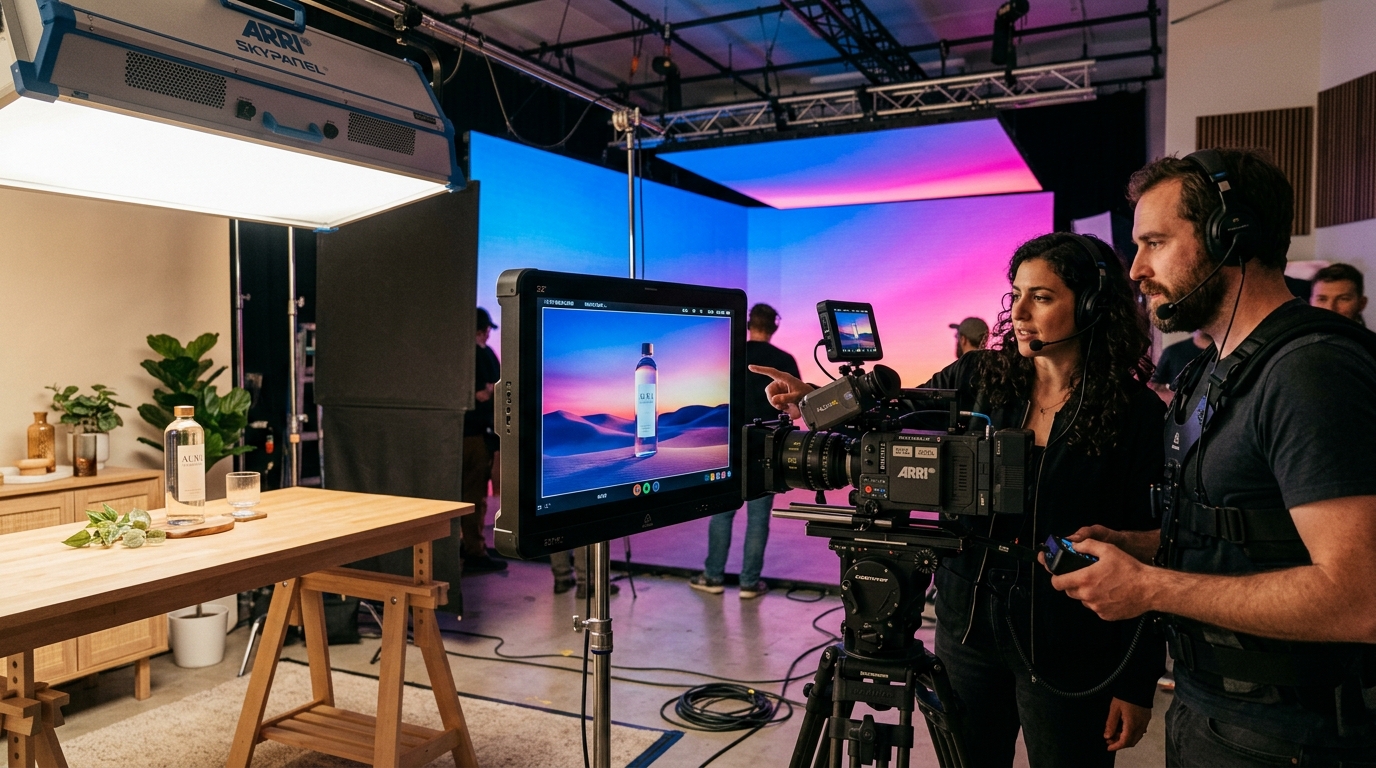
When OpenAI released the original Sora, it was a proof of concept that changed the conversation about AI video overnight. But it was silent, short, and prone to the physics glitches that gave AI clips away instantly. Sora 2 is the version built to close that gap. It keeps the text-to-video idea and adds the things that matter for finished work: sound, believable motion, and enough control to hit a specific shot on purpose rather than by luck.
What Sora 2 is
Sora 2 is OpenAI's second-generation text-to-video model. You describe a scene in plain language, including the subject, setting, camera and mood, and it renders a short video clip that matches. The main change from the first version is that Sora 2 also generates synchronized audio: dialogue, ambient sound and effects that line up with what's happening on screen, instead of a silent clip you have to score separately. It lives inside the OpenAI ecosystem rather than as a standalone download, which shapes how you access and pay for it.
How Sora 2 improves on Sora 1
Three areas moved forward in ways you can feel.
Physics and realism. The first Sora struggled with the small consistencies that sell a shot: objects passing behind each other, water and cloth behaving under gravity, limbs staying attached through a fast move. Sora 2 handles these noticeably better, so you get fewer of the uncanny artefacts that used to disqualify a clip immediately. Synchronized audio. This is the biggest single leap. Sora 2 can generate a matched soundtrack, including lip-synced speech and environmental sound, which turns a silent draft into something closer to a finished beat. Length and control. Clips can run a little longer, and they respond more reliably to direction. Camera framing, pacing and continuity are easier to steer than they were before.
Core features worth knowing
Text-to-video. The core mode: a written prompt in, a short clip out. Synchronized sound. Audio generated to match the visuals rather than added afterward. Camera and shot direction. Prompts respond to cinematic language such as angle, lens feel and movement, so you can compose rather than just describe. Consistency features. Subjects and style carry through a generation better, which matters when you're stitching multiple shots into one sequence. Treat each of these as a lever you pull in the prompt, not a setting buried in a menu.
How to access Sora 2 and what it costs
You reach Sora 2 through a ChatGPT subscription rather than buying it as a separate product. In practice there are two entry points. The ChatGPT Plus tier gives you access with lighter generation limits, which is enough to explore, prototype and produce social-scale work. The ChatGPT Pro tier is the step up for heavier use: higher generation limits, longer and higher-quality clips, and more room to iterate without hitting a wall mid-project.
A word of caution on the numbers. OpenAI changes limits, quality tiers and pricing over time, and availability can vary by region. Rather than trust a figure you read months ago, check the current plan details directly before you commit budget or promise a client a turnaround. Assume the model will get more capable and the exact quotas will shift underneath you.
Prompting Sora 2: speak like a director
The biggest quality gains come from how you write the prompt, not from the plan you're on. Vague prompts get generic results. Specific, cinematic prompts get controlled ones.
Name the shot. State the framing and camera move, like "slow dolly-in on a…", "handheld medium shot" or "static wide", instead of leaving it to chance. Describe light and mood. Time of day, light direction and atmosphere ("late-afternoon side light, soft haze") do more for the look than an adjective like "cinematic". Give the subject a specific action. A clear verb and a single beat of motion read better than a static description. Say what you want to hear. Since Sora 2 generates sound, spell out the ambient room tone, the line of dialogue or the specific effect rather than leaving it to fill the silence. Change one variable at a time. Adjust the camera, or the light, or the action between takes, not all three, so you can tell what actually moved the result.
Workflow for brands and agencies
For commercial work, Sora 2 slots in as a fast previsualization and short-form engine rather than a one-click final. Here's the pattern that works. Use it to generate animatics and concept boards so clients can react to moving images early. Produce social cutdowns where a short clip length is a fit, not a limitation. And build longer sequences by editing multiple shots together rather than expecting one continuous render. Keep the brand-critical hero moments, meaning precise product detail, real talent and exact logo treatment, as candidates for a real shoot or heavier post, and let Sora 2 carry the volume around them. The skill is knowing which shot belongs to which tool.
Limits to plan around
Sora 2 is strong, not magic. Consistency across shots is still work. Holding a character, a product or a precise look identical across many generations takes deliberate prompting and selection. Clip length is short, so anything long is an editing job. Rights and provenance matter. Generated content usually carries visible or embedded provenance markers, such as a watermark or metadata signalling AI origin, and you should clear the usage, likeness and brand implications before anything ships. Fine detail, meaning hands, small text and intricate logos, is still a place where AI video can wobble. None of these are dealbreakers. They're the reasons a human production layer still earns its place.
PAM AI Studio: put Sora 2 to work for your brand
Knowing which shot goes to Sora 2, which needs a real camera, and how to prompt so the output holds up on a brand's channels — that judgment is the whole game, and it's what we do every week. We've been integrating AI video models into our production and post pipeline as they've matured.
In a 30-minute discovery call, we'll map where Sora 2 creates real leverage for your brand or agency, and where it doesn't. No hype, no black box.
Let's build it together.
We've been producing commercial film and photography since 2018, and for the last three years we've been integrating AI into our workflow. We mentor your team as we produce: transparent process, documented decisions, no black box. We set up your brand's AI production together, built for sustainable growth.
Email: [email protected]
Phone: +90 530 267 49 29
Studio: Yayıncılar Sok. 10/3, Seyrantepe · Istanbul