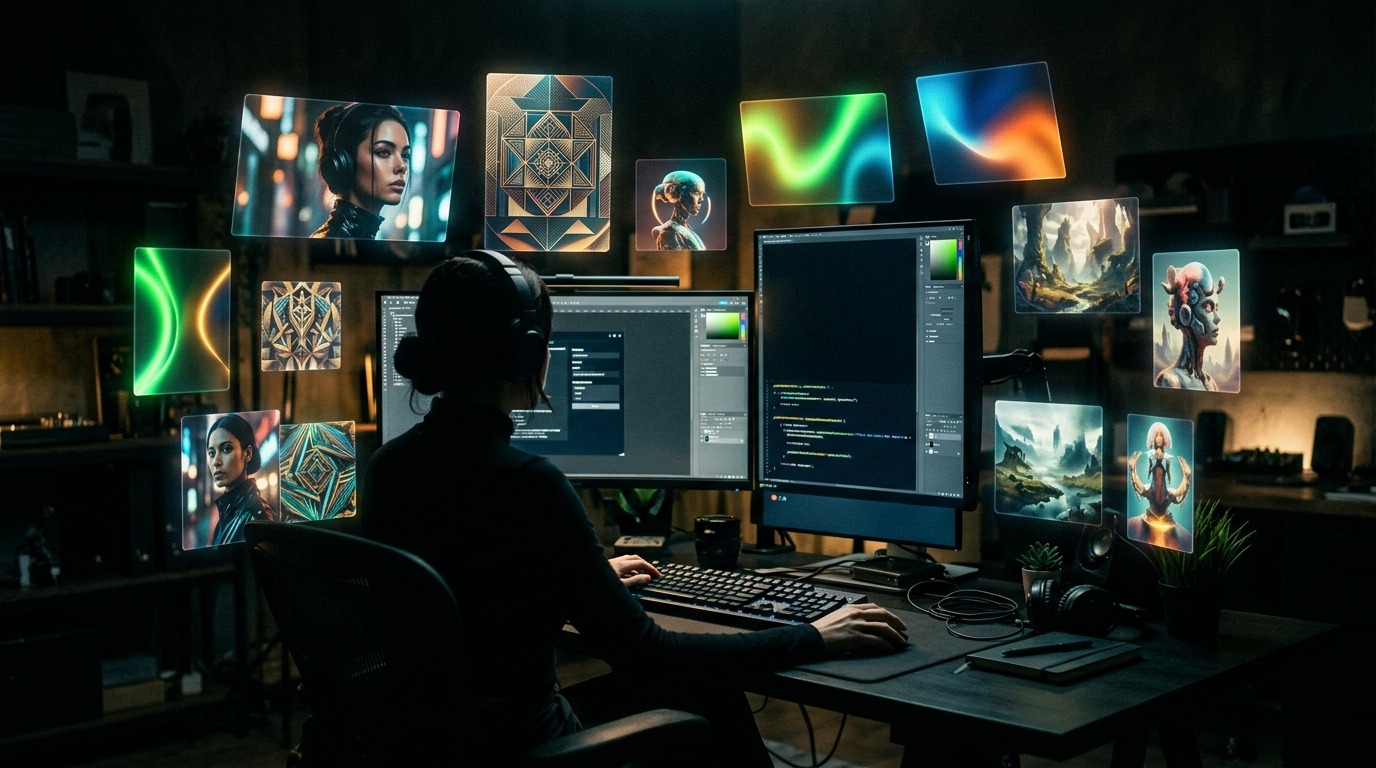
By 2026, AI image generation is a power anyone can reach. You write a sentence and a professional-looking image appears in seconds — and in most tools it's free. But finding the right one among dozens of options, dodging the copyright traps, and knowing when you've outgrown "free" is its own skill. In this guide we go through the best free image tools of 2026, which one shines on which job, and where the line to professional production sits.
Top 10 free AI image generation tools in 2026
1. Microsoft Designer Image Creator: DALL-E 3 powered, completely free with Microsoft account, 15 fast credits daily. 2. Leonardo AI: 150 free tokens daily, strong Phoenix model for photorealism. 3. Ideogram: Free tier; the most accurate tool for text-in-image rendering. 4. Playground AI: 500 free images daily, Pixart Sigma + SDXL access. 5. Krea AI: Real-time image generation, free tier perfect for fast sketching. 6. Adobe Firefly: 25 free credits/month, safest model for commercial use. 7. Stable Diffusion (Clipdrop): Open source, free web interface, unlimited basic use. 8. NightCafe: 5 daily free credits, multi-engine choice (SDXL, Flux, DALL-E). 9. Canva Magic Studio: 50 free images/month, integrated into brand templates. 10. Imagine.art (Vyro): Free tier 10 images daily, mobile-focused interface.
Quality comparison: same brief, five outputs
Brief: "Young woman drinking coffee in a modern café overlooking the Bosphorus, morning light, photorealistic". Microsoft Designer (DALL-E 3): Great composition, solid anatomy — 8.5/10. Leonardo Phoenix: Photorealism champion, accurate skin texture — 9/10. Ideogram: Brand signage readable, atmospheric ambience — 8/10. Firefly: Safe but aesthetics feel "stock" — 7/10. Stable Diffusion XL: Rich detail but hand/face consistency weak — 7/10. Leonardo and Microsoft Designer are quality champions in the free tier; Firefly leads in commercial safety.
Commercial use: which tool gives which license?
Microsoft Designer: Free tier open to commercial use, no attribution required. Leonardo AI: Free tier permits commercial use but images are shared with community (private mode paid). Ideogram: Free tier outputs are public, commercial requires Plus. Adobe Firefly: Full commercial license, clean training data — safe choice for corporate campaigns. Stable Diffusion: Open source, commercial use free but training data debated. General rule: For brand campaigns prefer Firefly or Midjourney Pro; free tools suffice for concept and mood boards.
Which free tool for which project?
Mood board, presentation visuals: Microsoft Designer, Leonardo (fast + quality). Typography-heavy posters, banners: Ideogram (text rendering king). E-commerce product concept: Firefly (no copyright risk) + Krea (fast iteration). Social media visuals: Canva Magic + Playground (template-integrated). Photorealistic portraits, lookbooks: Leonardo Phoenix + Stable Diffusion XL. Most projects use 2-3 tools in parallel: One for speed, one for typography, one for photorealism.
Signals to move from free to paid
If any of these are true, a paid plan becomes necessary: (1) You produce 50+ images a week, so free quotas won't cover it. (2) You need 4K resolution and print quality. (3) A client campaign needs a copyright audit — Firefly or Midjourney Pro. (4) You need a reference or character-lock feature to hold brand consistency. (5) You need to opt outputs out of training data. At that point, Midjourney ($10/mo), Leonardo Apprentice ($12/mo), or Adobe Firefly Pro ($9.99/mo) is the right starting point.
Four ways to get good results from free tools
When two people use the same free tool and one gets junk while the other gets a professional image, the difference isn't the tool — it's the use. Four techniques that lift quality in the free tier:
- Write the prompt in layers: instead of one-word descriptions, give subject plus action plus setting plus light plus mood plus camera and lens together. Not "woman drinking coffee," but "young woman in a modern café overlooking the Bosphorus, morning light, 50mm portrait lens, shallow depth of field, photorealistic."
- Use a negative prompt: if the tool supports it, naming what you don't want — broken hands, extra fingers, text, watermark — noticeably improves the output.
- Iterate: the first output is rarely the best. The strongest images usually come after three to five tries, improving the prompt in small steps each round.
- Match the tool to the job: Ideogram for typography, Leonardo Phoenix for photorealism, Firefly for commercial safety. Pick by the task instead of forcing one tool.
Once you've seen where free tools stop
Free AI image tools are great for the exploration phase of a campaign. But at the production stage, brand consistency, copyright safety, and output quality become critical. At PAM AI Studio we work with brands crossing that line: which models fit the project, how to build a prompt library, how to blend AI output with the photo team. Transparent process, documented decisions, mentorship for your team.
Let's make this together.
We've produced commercials and photography since 2018; over the last 3 years we've integrated AI image generation into our workflow. We mentor your team while we produce: transparent process, documented decisions, no black box. Let's build your AI image production for sustainable growth, together.
Email: [email protected]
Phone: +90 530 267 49 29
Studio: Yayıncılar Sok. 10/3, Seyrantepe · İstanbul