What Midjourney actually is
Midjourney is the product of an independent AI lab founded by David Holz. You write a text prompt, and within seconds the model returns high-quality images. The platform was originally reachable only through a Discord server, but across 2025 and 2026 it moved to a full web interface at midjourney.com. You no longer have to join Discord; you can log in straight from your browser.
Midjourney V6 and the models that followed sit ahead of their rivals on photoreal quality, accurate text rendering and consistent style. Graphic designers, ad agencies, fashion brands and architecture firms have folded Midjourney into their routine workflows. In Turkey it became a standard tool in the creative sector from 2025 onward. Draft Mode, introduced with V7, has sped up the concept stage dramatically.
How to use it, end to end
Getting started from the web interface is simple. Step by step:
Step 1: Go to midjourney.com and log in with your Google or Discord account.
Step 2: Pick a subscription plan — if it's your first time, a free trial usually isn't available, so start on the lowest tier.
Step 3: Write your description in English in the prompt field on the home screen and hit Enter.
Step 4: Midjourney returns four variations; process the one you like with the "U" (upscale) or "V" (variation) buttons.
Step 5: Download the upscaled image at high resolution.
If you prefer Discord: join the Midjourney server at discord.com/invite/midjourney, go to any "newbies" channel, type /imagine and add your description. Results land somewhere between a few seconds and a minute.
Writing prompts that actually work
Prompt quality is critical to getting professional results out of Midjourney. Vague, short descriptions tend to produce generic output. Detailed, context-rich prompts make an extraordinary difference.
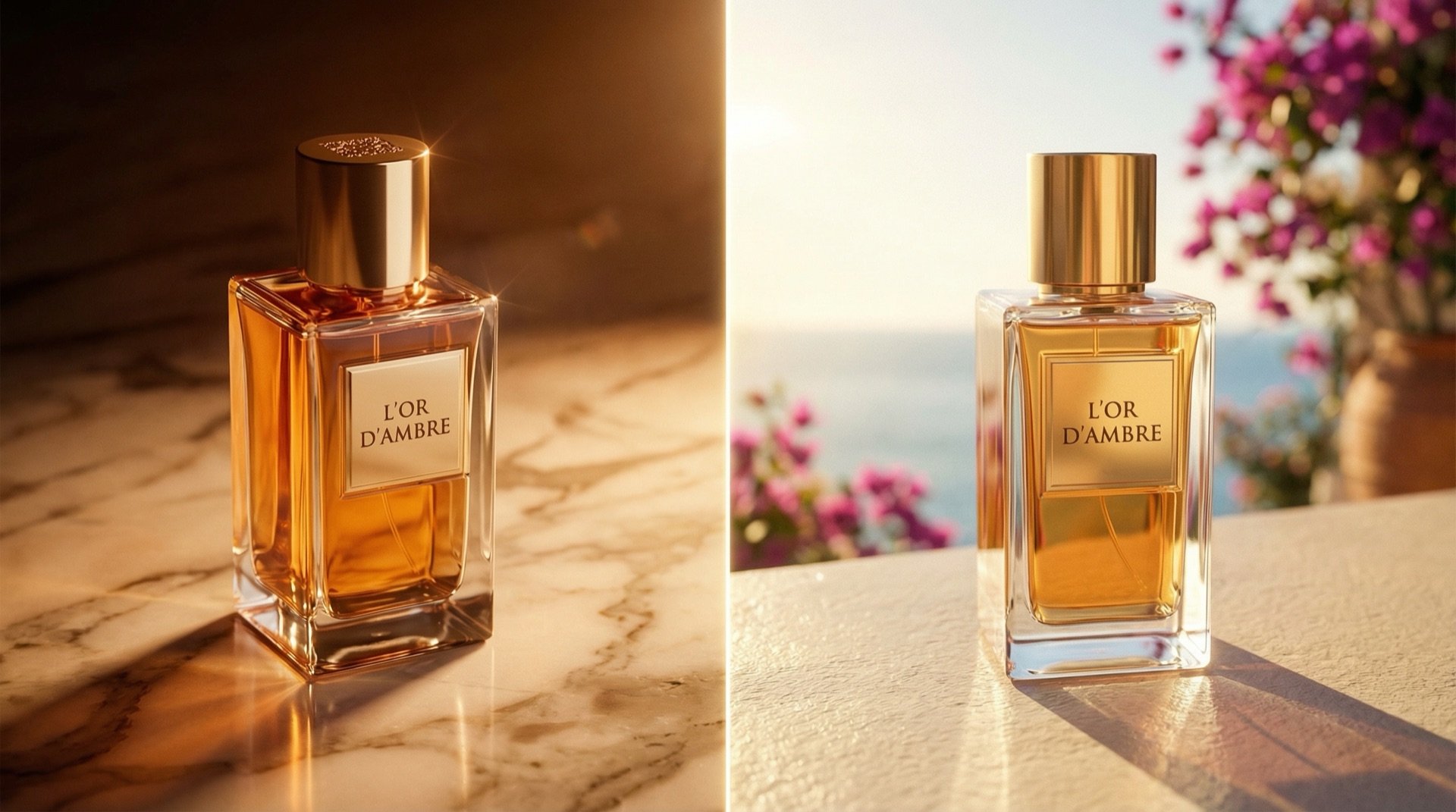
Be specific. Instead of "A cat", write "A ginger tabby cat sitting on a marble kitchen counter, soft natural window light, bokeh background, Canon 85mm f/1.4 lens look, editorial photography style". For product work: "A glass perfume bottle on a black marble surface, side lighting with soft fill, luxury cosmetics campaign aesthetic, --ar 4:5". For fashion: "A model wearing a cream linen blazer, Istanbul rooftop at golden hour, editorial Vogue style, medium format film look".
Use the parameters. --ar 16:9 for horizontal (YouTube, web banners), --ar 9:16 for vertical (Instagram Stories, TikTok), --ar 1:1 for square (Instagram feed). --style raw for photoreal output, --niji for an anime/illustration look, --s 250 for stronger stylisation. Use --no blur, text, watermark, extra fingers to keep unwanted elements out.
Add a reference image. Drop an image URL at the start of the prompt to give Midjourney a style or composition reference. This is a real time-saver on work that has to stay on brand.
Pricing in 2026
As of 2026 Midjourney offers four subscription plans. The main difference between them is GPU hours and speed priority:
- Basic Plan — $10/month: about 3.3 hours of fast GPU time a month, roughly 200 images. Enough for personal projects and experiments. Commercial use included.
- Standard Plan — $30/month: 15 hours of fast GPU time plus unlimited slow generation. Enough for most professional use. The most popular plan.
- Pro Plan — $60/month: 30 hours of fast GPU time and Stealth Mode (private generation — images don't appear to the community). Ideal for agencies and commercial brands.
- Mega Plan — $120/month: 60 hours of fast GPU time. Built for high-output studios and production agencies.
Commercial use is included on every plan. Paying annually gets you roughly 20% off. One note for users in Turkey: since billing is in foreign currency, you need to factor in the exchange rate.
Where the industry uses it
Advertising and marketing agencies: campaign concept visuals, client pitch moodboards, social content. At the brief stage an agency can generate 50 concept ideas in Midjourney, pick five and present them to the client — work that used to mean weeks with an illustrator.
Fashion brands: season collection concepts, lookbook mood visuals, print pattern prototypes. Global fashion houses have moved their moodboard process entirely onto Midjourney. In Turkey, ready-to-wear brands now produce their early collection visuals this way.
E-commerce: product lifestyle visuals, campaign banners, seasonal content. It's especially efficient for moving studio-shot products into different settings and contexts.
Architects and interior designers: concept renders, spatial visualisation, project pitches. Midjourney doesn't replace full technical render software, but it gives extraordinary speed at the idea stage.
Film and production: storyboards, concept art, set design references, character visualisation. It cuts pre-production time on short films and commercials considerably.
Midjourney against the field
Midjourney vs DALL-E 3: DALL-E 3 stands out on ease of use thanks to its ChatGPT integration and is very strong on text-image alignment. But Midjourney's aesthetic quality and ability to produce cinematic atmosphere are still a level above. Choose Midjourney for photo-grade product and fashion work; DALL-E is practical for fast concept illustration and images that contain text.
Midjourney vs Adobe Firefly: Firefly is fully integrated with the Adobe Creative Cloud ecosystem — you can use it directly inside Photoshop and Illustrator. It's also commercially safer, since it was trained only on copyright-cleared content. But Midjourney is stronger on aesthetic output. If your workflow lives in Adobe, use Firefly; if you want the best visual result, use Midjourney.
Midjourney vs Stable Diffusion: Stable Diffusion is free, open source and runs on your own machine. It's unmatched on customisation and fine-tuning, but using it takes technical knowledge. Midjourney is far more accessible by comparison and produces more consistent results. Use Stable Diffusion if you want to generate brand visuals with your own models; use Midjourney for fast, consistent professional output.
At PAM Istanbul we use Midjourney and other AI image tools actively in our professional production work. Let's work out the right visual strategy for your brand together.
Contact: [email protected] · +90 530 267 49 29 · Yayıncılar Sok. 10/3, Seyrantepe · Istanbul